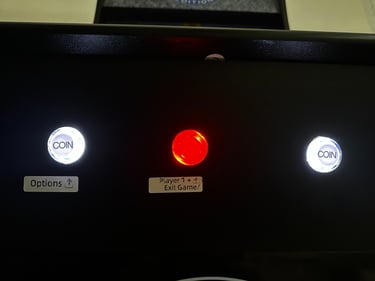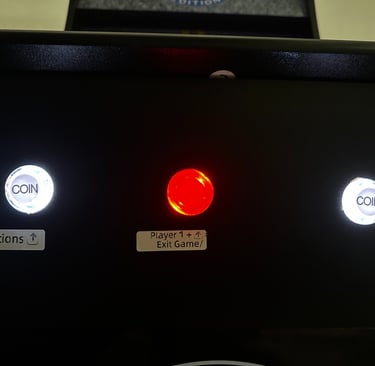
4723 Guide for Arcade Machine
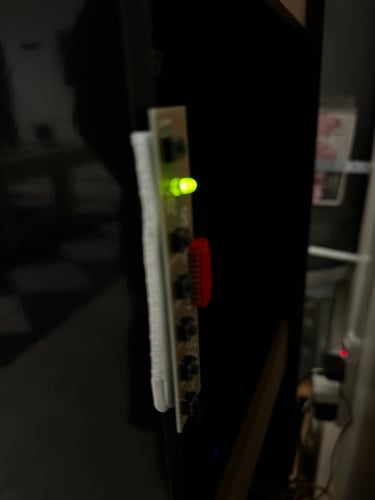
On/off switch is the black button to the right side of the back of the arcade unit. You can turn off the arcade using this button, If you don’t see any lights, check if power cord is plugged in
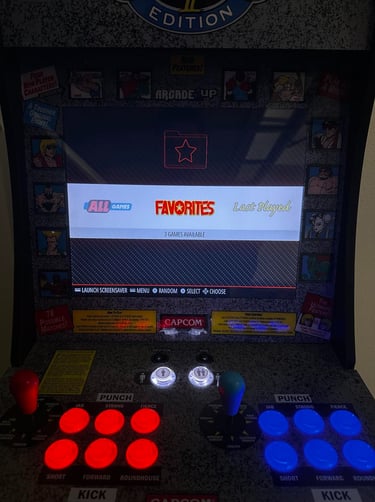

You will then use the joy stick to move left or right to select the menu options. Then go to “All games”, and click "select" on the bottom middle left red button.
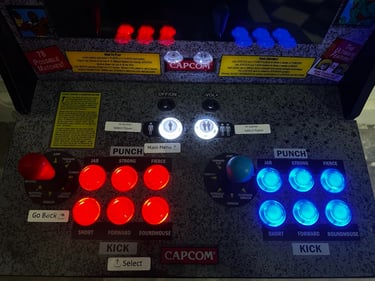
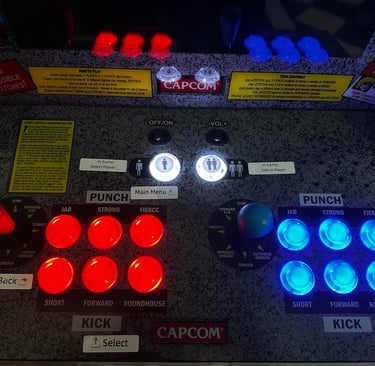
Then select the game you want by moving joystick up or down and then clicking the same red select button and let the game load
And select the 1 player and/or 2 player button on the top to choose the players. Also depends on the game